

Recommended Services


Supported Scripts
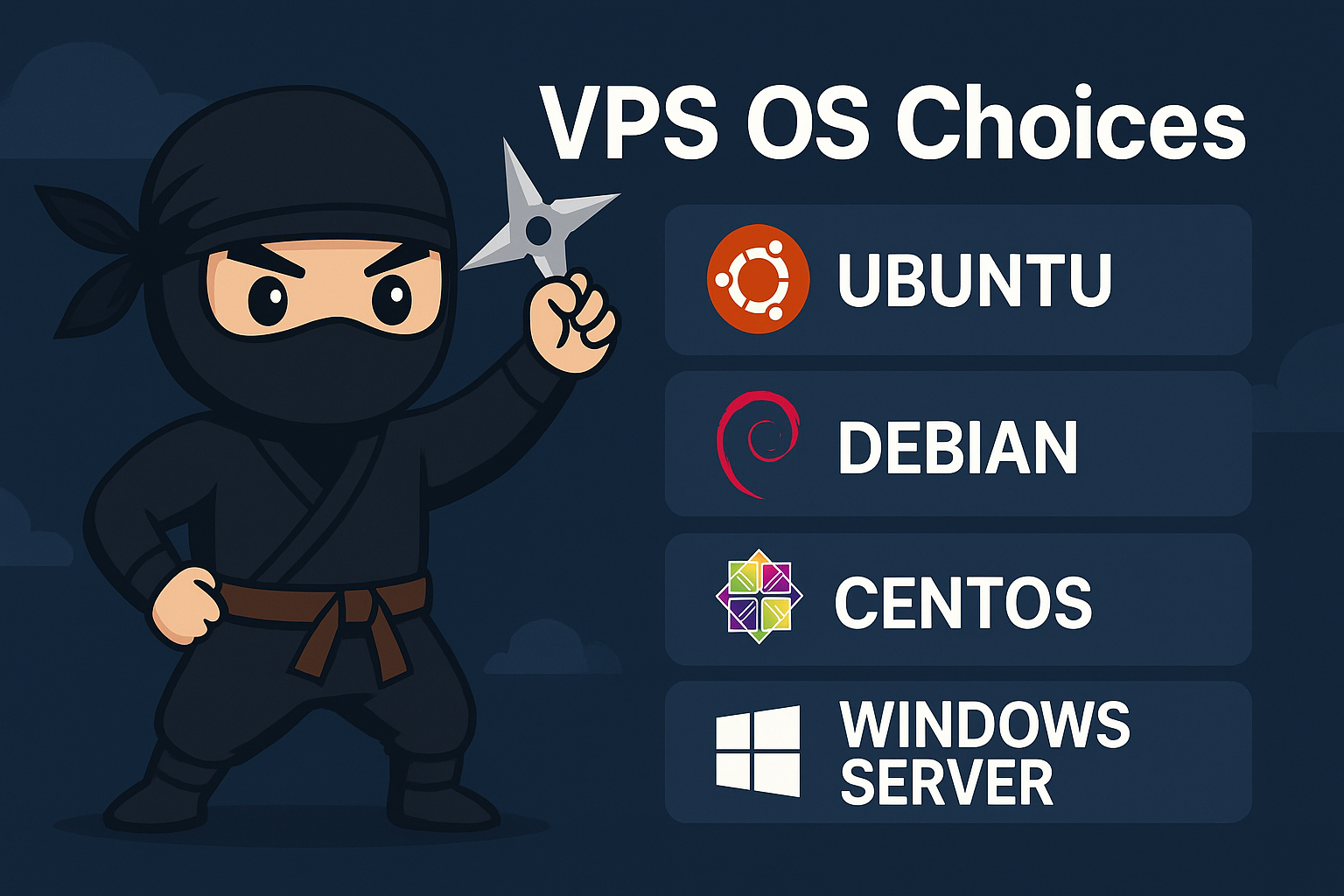

Choosing the right operating system (OS) for your Virtual Private Server (VPS) is one of the most important decisions you will make when setting up a website, application, or online service. The OS you select affects everything—from server performance and stability to security, management, and long-term scalability.
Because your VPS acts as the core foundation of your online project, using the right OS can save you time, money, and stress. In this guide, you’ll learn about the most popular VPS operating systems, their benefits, and how to choose the best one for your needs.
Why the VPS Operating System Matters
Your VPS OS works as the brain of the server. It controls how your software runs, how memory is managed, and how secure the environment is. Selecting the wrong OS can limit your performance, cause compatibility issues, or create unnecessary complexity.
On the other hand, choosing the right OS ensures:
- Smooth performance
- Strong security
- Better software compatibility
- Easier management
- Higher stability and uptime
The Most Popular VPS Operating Systems
There are two main categories for VPS operating systems: Linux-based OS and Windows Server. Each category has its own strengths and is ideal for different purposes.
1. Linux VPS Operating Systems
Linux is the most popular choice for VPS hosting. It’s known for its stability, security, open-source nature, and cost-effectiveness. Another major advantage is that most programming languages, databases, and web servers run extremely well on Linux.
Ubuntu Server
Best for: beginners, developers, WordPress users, general websites
Ubuntu is highly user-friendly and widely supported. It’s one of the easiest Linux distributions to manage, thanks to extensive documentation and a large online community. This makes it perfect for users who want reliability without a steep learning curve.
Why choose Ubuntu?
- Very beginner-friendly
- Excellent hardware and software compatibility
- Frequent updates
- Works seamlessly with Apache, NGINX, PHP, MySQL, and Node.js
- Ideal for most website owners and developers
Debian
Best for: stability, long-term projects, security-focused environments
Debian is known for its incredible stability and reliability. It receives fewer updates than Ubuntu, which means fewer potential bugs and long-term consistency.
Why choose Debian?
- Ultra-stable for production environments
- Excellent performance and efficiency
- Very secure
- Great for mission-critical applications
CentOS / AlmaLinux / Rocky Linux
Best for: enterprise-level hosting, cPanel/WHM, large websites
CentOS was extremely popular until its shift to CentOS Stream. As a result, AlmaLinux and Rocky Linux became the preferred successors for traditional CentOS users. These distributions mirror the stability of Red Hat Enterprise Linux (RHEL) without the licensing cost.
Why choose AlmaLinux or Rocky Linux?
- RHEL-compatible for enterprise applications
- Highly stable and secure
- Ideal for cPanel/WHM
- Excellent for corporate environments
Arch Linux
Best for: advanced users, custom server configurations
Arch Linux is lightweight, flexible, and fully customizable—but it requires strong Linux knowledge. It uses a rolling release model, which means it receives constant updates.
Why choose Arch Linux?
- Highly customizable
- Very fast and lightweight
- Perfect for developers who want full control
2. Windows Server
Best for: ASP.NET applications, Microsoft SQL Server, businesses using Windows tools
Windows Server is ideal when you need to run software that is designed specifically for Windows.
Why choose Windows Server?
- Full support for ASP.NET, .NET Core, and MSSQL
- Remote Desktop (RDP) access for easy management
- Excellent for enterprise software
- Highly compatible with Microsoft ecosystems
How to Choose the Best VPS Operating System
With so many options available, you might wonder which OS is truly the best for your project. The answer depends on your goals, experience, and the applications you plan to run. Below are the key factors to consider.
1. Consider Your Technical Skill Level
If you’re a beginner, Ubuntu or Windows Server is easier to manage. These options have friendly interfaces and extensive documentation. If you’re experienced with Linux, Debian, Rocky Linux, or AlmaLinux may suit you better.
2. Check Software Compatibility
Choose your OS based on the software you need:
- WordPress, PHP, Node.js, Python: Linux (Ubuntu/Debian)
- ASP.NET, MSSQL, Exchange Server: Windows
- cPanel/WHM hosting: AlmaLinux or Rocky Linux
3. Think About Security and Stability
For maximum stability, Debian and Rocky Linux are excellent choices. Ubuntu also offers strong security through frequent updates. Windows Server provides good security too, but requires more maintenance.
4. Evaluate Performance Needs
Linux generally uses fewer resources than Windows. If you want the best performance on a small VPS, a lightweight Linux distribution is ideal. If you need a graphical interface or Windows-only software, Windows Server is the better choice.
5. Factor in Cost
Linux is free and open-source, which makes it cost-effective. Windows Server requires licensing, so it’s typically more expensive.
Final Recommendation: Which VPS OS Should You Choose?
If you’re looking for the simplest and most reliable choice, Ubuntu is the best all-around option. It works for almost any web application, offers excellent performance, and is easy to manage.
If you need enterprise-grade stability, choose Debian or AlmaLinux/Rocky Linux.
Finally, if your project depends on Microsoft technologies, Windows Server is the right choice.
Final Thoughts
Selecting the best VPS operating system depends on your experience level, application requirements, and long-term goals. By understanding your needs and comparing each option, you can choose an OS that gives you the best performance, stability, and security for your project.
After discussing the different VPS operating systems, it’s important to note that choosing the right VPS hosting provider is just as critical for performance and security. At NinjaWeb, we offer powerful and reliable VPS hosting solutions tailored to meet your business needs.
If you’re ready to boost your website’s performance, explore our VPS offerings here: