


Contact Info
106 Anne Rd, Knoxfield VIC 3180, Australia
+61 (03) 82023009
info@ninjaweb.com.au
Contact usRecommended Services


Supported Scripts
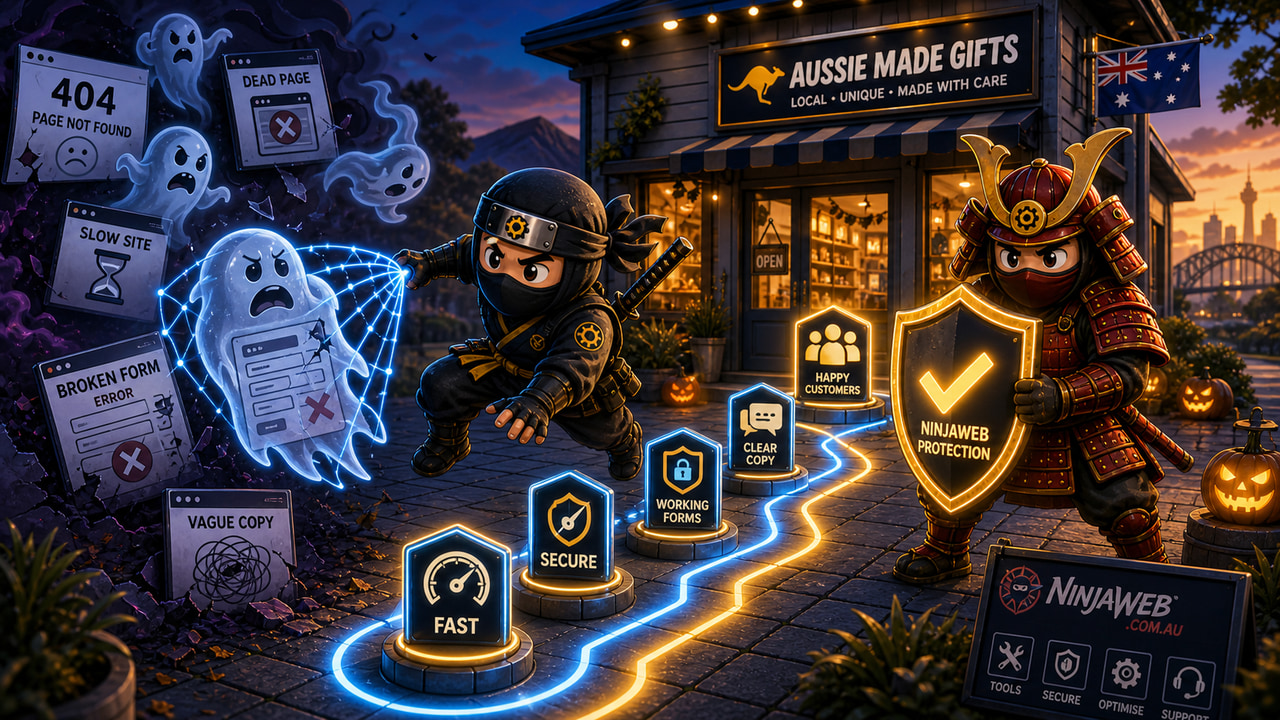

Halloween website problems are not the obvious things that make a site look broken. They are the quiet issues that let a customer reach the page, hesitate for a few seconds, and leave without telling you what went wrong.
That is why Halloween is a useful business moment for a website check. The theme is fun, but the failure is serious. A page can look alive while the enquiry path underneath it is full of dead ends, weak forms, old offers, missing proof, and links that lead people away from the decision you wanted them to make.
Most businesses do not notice these problems because the website still loads. Staff open the home page, see the logo, see a few service blocks, and assume the system is fine. A buyer does not move through the site that way. A buyer arrives with doubt. Every broken path adds more doubt.
Start with the pages customers actually enter
The biggest mistake is checking the website from the home page only. Search traffic, social traffic, old campaign links, email signatures, and saved bookmarks often send people into older pages. A page written two years ago can still be the first impression today.
That page might mention an old offer, an old location, an outdated service name, or a contact method nobody monitors anymore. It might still rank because search engines know it exists, but ranking is not the same as being useful. If the page does not help the visitor understand what to do next, it becomes a quiet lead leak.
A practical check is simple: open the pages that still receive traffic, then ask what a stranger would do after reading each one. If the answer is not clear, the page is not harmless. It is part of the problem.
The form is where trust either lands or disappears
Broken forms are obvious when they fail completely. The more dangerous version is a form that technically submits but feels uncertain. No useful confirmation message. No expected response time. Too many fields. No clue who receives it. No follow-up ownership inside the business.
Customers are sensitive at this point because they have already decided to give you a chance. If the form feels weak, they do not need a dramatic reason to leave. They can open another tab and ask another business instead.
- Submit the form from mobile and desktop.
- Check who receives the enquiry and how fast they respond.
- Make sure the confirmation message sets a clear expectation.
- Check that spam protection is not blocking real people.
- Confirm the enquiry is tracked somewhere useful, not just buried in email.
This is where business systems matter as much as design. The form is not a decorative element. It is a handoff between the website and the business.
Confusing copy creates the same effect as a dead end
A page does not need to be broken to scare customers away. It can be vague. It can speak in broad claims but never answer the real buying question. What do you do? Who is it for? What happens next? Why should someone trust you with this job?
Seasonal campaigns often expose this weakness because they send new attention to old pages. A visitor lands from a post, sees a generic paragraph about quality and service, and still cannot tell whether the business solves their problem. That is not a copywriting preference. It is a conversion issue.
Good website copy gives the buyer enough confidence to keep moving. It does not need to be loud. It needs to be specific. The words should connect the service, the problem, the proof, and the next step without making the customer assemble the logic themselves.
Internal links should guide, not decorate
Internal links are often added after the content is written, which is why they feel random. A useful internal link has a job. It moves the reader toward a related service, a stronger proof point, a booking path, or a clearer explanation.
For a Halloween readiness pass, this means checking whether old pages point to current services. A WordPress maintenance article should not send people to a dead package page. A local SEO page should not trap someone in a chain of similar pages with no enquiry path. A service page should connect to support, hosting, or SEO only when that helps the buyer decide.
The right internal link is a quiet guide. For example, a page about hidden technical problems can lead into managed WordPress hosting when the next problem is maintenance, updates, security, or reliability. That link has a reason to exist.
What NinjaWeb would check before a campaign
A useful seasonal website check is not a redesign. It is a pressure test. The goal is to find the places where trust leaks before more attention is sent to the site.
NinjaWeb would look at the current entry pages, forms, internal links, mobile behaviour, page speed, tracking, content accuracy, and follow-up path. Then the fix depends on the problem. Sometimes the answer is a page rewrite. Sometimes it is a form repair. Sometimes it is a hosting or WordPress maintenance issue. Sometimes the business has no clear owner for enquiries, so the website is blamed for an operations problem.
This is why a Halloween article should not become a cute greeting pretending to be strategy. The useful lesson is that hidden website problems do not announce themselves. They show up as fewer enquiries, weaker leads, confused customers, and campaigns that feel less effective than they should.
If the website is about to receive seasonal traffic, check the path before the traffic arrives. The problem is rarely the pumpkin on the graphic. It is the form nobody tested, the page nobody updated, and the customer path nobody owns.
Share this Post