


Contact Info
106 Anne Rd, Knoxfield VIC 3180, Australia
+61 (03) 82023009
info@ninjaweb.com.au
Contact usRecommended Services


Supported Scripts
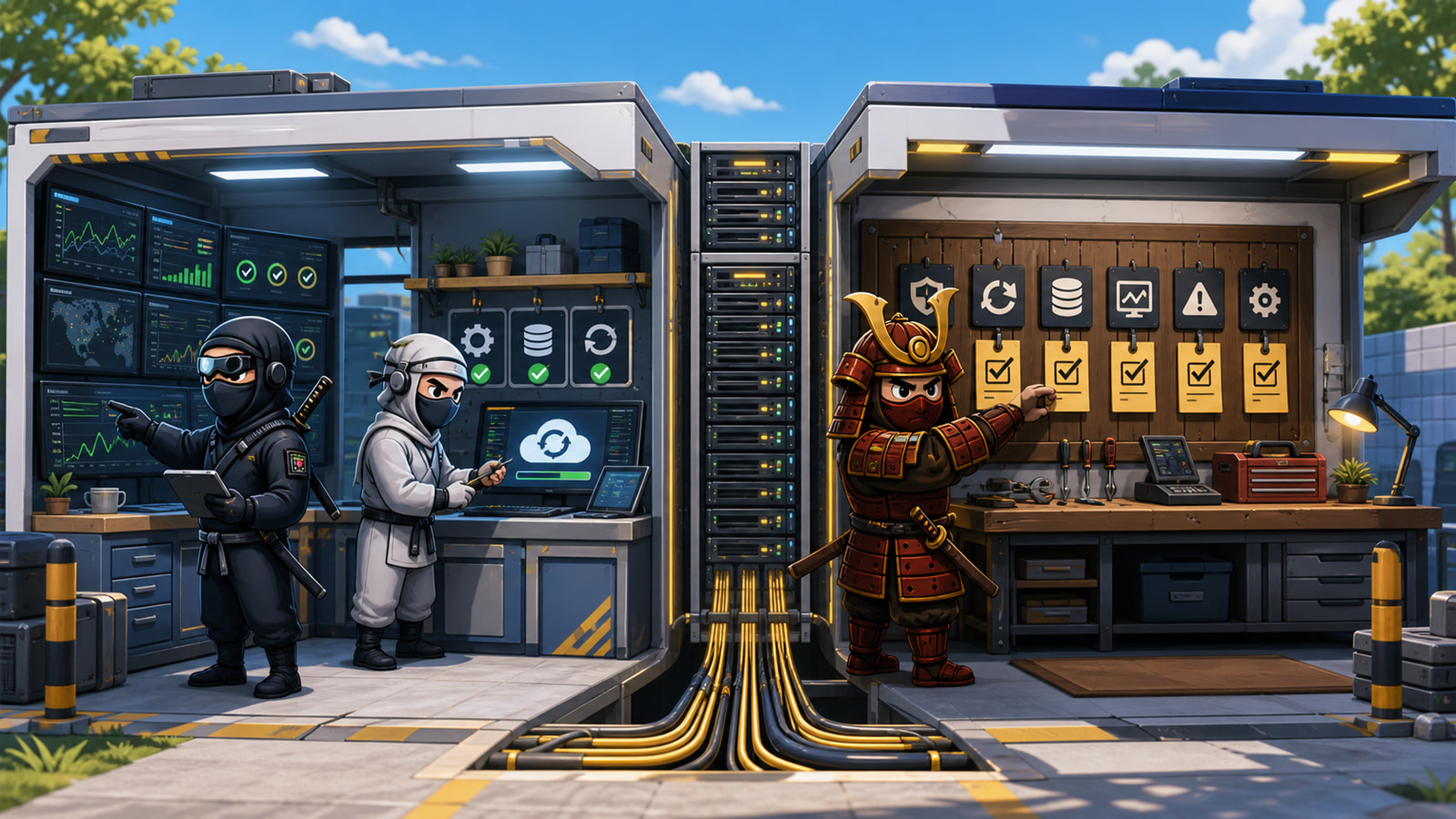

Managed WordPress hosting and a DIY VPS can both run a fast, secure website. The difference becomes visible after launch, when updates, monitoring, backups, security and incidents stop being setup tasks and become recurring work.
The useful buying question is not which server has the most impressive specification. It is who owns each job when the site is busy, vulnerable, broken or waiting for a restore.
The Server Is Only the Beginning
A VPS provides compute, storage, networking and control. WordPress still needs an operating system, web server, PHP, database, certificates, mail decisions, cache configuration, backups, monitoring and security maintenance.
Those layers can be a strength when a capable operator wants full control. They become risk when the business assumes the infrastructure provider is also maintaining WordPress and the provider assumes the customer owns everything above the virtual machine.
A DIY VPS Gives Control and a Job List
DIY does not mean careless. It means the customer deliberately accepts the operating role. That role commonly includes:
- Operating-system and package updates
- Firewall, SSH and privileged-access management
- Web server, PHP and database tuning
- WordPress core, plugin and theme maintenance
- Backup scheduling, off-server storage and restore testing
- Uptime, performance, disk and security monitoring
- Incident diagnosis across every supplier boundary
A developer or agency may be well equipped for that work. A business without an infrastructure owner may simply be moving the job into an unmonitored gap.
Managed Hosting Must Define What Managed Means
Managed is not a universal technical standard. One service may manage only the server. Another may include WordPress updates, backups, security controls, performance work and incident response. The buyer needs the written boundary.
Ask what is monitored, which updates are tested, how restores are requested, whether application faults are investigated and what happens outside normal support hours.
Also ask what is explicitly excluded. Custom code, third-party APIs, email delivery, DNS changes and compromised administrator accounts may sit outside a standard hosting agreement. Exclusions are not automatically unreasonable, but they must be visible before an incident.
A managed invoice is not the same as managed ownership. The service is defined by the work somebody is committed to perform.
Compare Ownership Before Comparing Price
| Responsibility | DIY VPS | Managed WordPress |
|---|---|---|
| Server updates | Customer operator | Confirm provider scope |
| WordPress updates | Customer operator | Confirm testing and rollback |
| Backups | Customer designs and verifies | Confirm frequency, retention and restore |
| Performance | Customer diagnoses every layer | Confirm whether application work is included |
| Security incident | Customer coordinates response | Confirm containment and escalation boundary |
Price the people and time as well as the server. A low-cost VPS can remain economical with disciplined internal ownership. It becomes expensive when senior staff repeatedly interrupt other work to handle maintenance nobody budgeted.
Calculate the operating cost across a year: routine updates, monitoring review, restore tests, security work and realistic incident time. Compare that figure with the managed fee and the value of keeping internal specialists focused on product or client delivery.
Backups Matter Only When Restore Has an Owner
WordPress recovery needs files and database from a compatible point in time. A backup dashboard showing green status does not prove that the set is complete, accessible or restorable.
For either hosting model, ask who tests restores, where copies are stored, how long recovery should take and who verifies forms, logins, orders and integrations afterward. The answer should name a role, not only a product.
Incidents Expose the Real Hosting Product
Imagine checkout failures after a plugin update. The server is online, but PHP errors are rising and orders cannot complete. On a DIY VPS, the operator must connect the application change to logs, database state, cache and rollback. With managed WordPress, the provider’s value depends on whether that investigation and recovery fall inside the service.
The incident reveals what was purchased: infrastructure access, or operational ownership across the WordPress stack.
It also tests escalation. If the hosting provider, developer and business owner each wait for another party to lead, the technical fault lasts longer than it should. The responsibility matrix should identify the incident lead before launch.
Choose the Model That Matches the Operator
Choose a DIY VPS when the team wants control, has infrastructure capability, maintains runbooks and accepts on-call responsibility. Choose managed WordPress hosting when the business wants a supplier to own defined maintenance, monitoring and recovery work.
NinjaWeb offers both managed WordPress hosting and Australian VPS infrastructure. The right service depends on the operator, workload and responsibility map, not a rule that one platform is always better.
Ask These Questions Before Migration
List every post-launch task, assign its owner and ask what evidence proves the work is happening. Include patching, monitoring, backup, restore, performance, security, DNS and incident escalation. Then connect the chosen model to the wider business system the website supports.
The server decision becomes much clearer when every recurring responsibility has a name beside it. That is the real difference after launch.