

Junior
Small websites
$132 USD / month
- Monthly support
- 2 hours
- First response
- 24 hours
Bonus support hours
- 6-month term
- +2 hours
- 12-month term
- +5 hours

106 Anne Rd, Knoxfield VIC 3180, Australia
+61 (03) 82023009
info@ninjaweb.com.au
Contact usAdvanced IT Support · Louisville
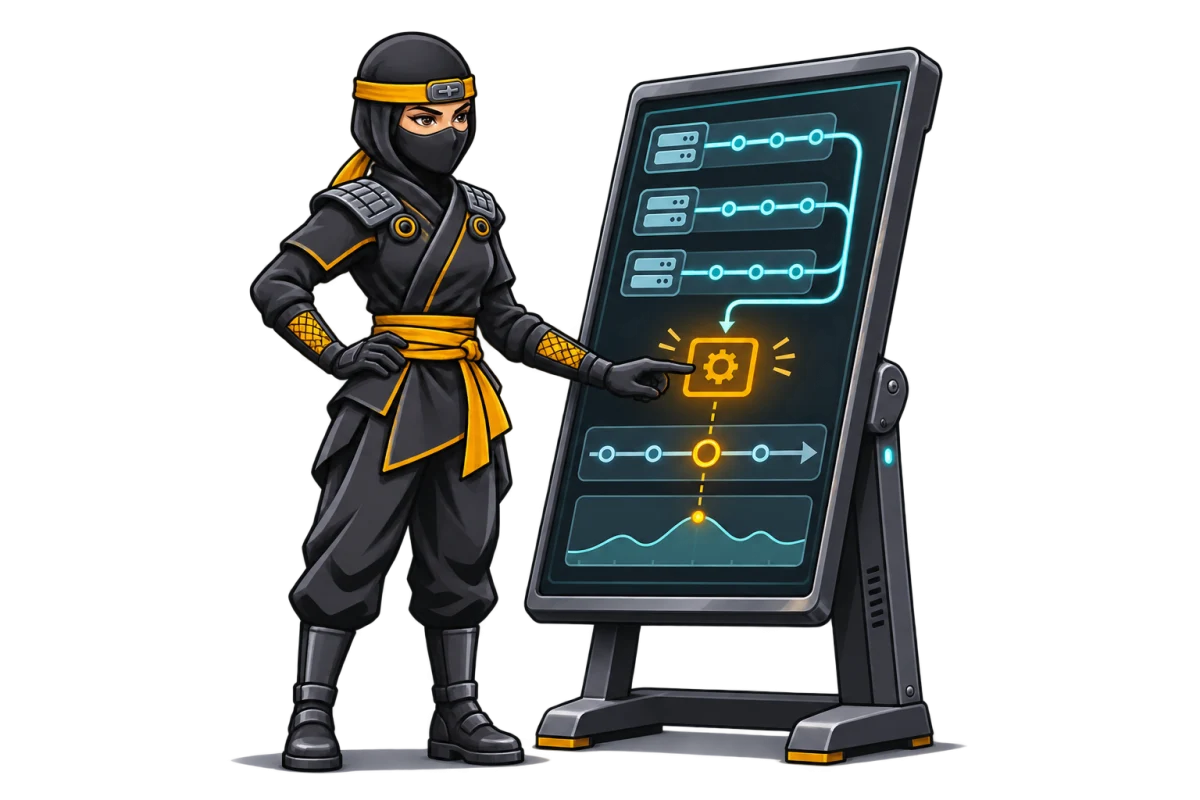
NinjaWeb supports the business systems behind a warehouse partner damage assessment view remotely. For the team based in Louisville, we can look at the affected workflow and agree how to verify a repair before it reaches regular users.
Two photos submitted for one incident are counted as two claims. Capture the exact input and the outcome for a warehouse partner damage assessment view while the details are fresh. A dated test on an authorised copy can help your team tell whether the issue still occurs.
Start with one incident reference and two photo events. Where the problem crosses teams, ask the person who receives the work what they usually see and capture a sample without customer or account secrets. Include the address or version of the part under review.
For a warehouse partner damage assessment view, write out the result as the report showing one claim with both photographs. Once the expected result is visible on a named test, have the operator check one ordinary case as well and note who confirmed the outcome.
Compare the plan options for a warehouse partner damage assessment view by active systems, recurring work and the complexity of the next release. Bring both the immediate issue and routine jobs the support team would own. Ask which work belongs in the plan and what might need separate scoping.
Louisville is the buying area for support with warehouse partner damage assessment view. We can discuss the work with the people who run it remotely from our Australian base.
“Customers can now book services online, view our latest projects, and even get quotes.”
Nathan O. · Hot Metals Performance Moto PartsOnline bookings and website development
“Their team's professionalism and attention to detail were outstanding.”
Liam S. · GaeaWebsite design
For a warehouse partner damage assessment view, set the first support objective around an example the people doing the work can identify. Choose a known transaction and trace where the total includes it. Check edits and reversals as well as the first result so a confirmed report doesn’t count the same work twice.
Remote support for a warehouse partner damage assessment view can begin with a conversation and a redacted example. If we need access, agree the person who can grant it, the tools involved and whether a separate provider must be included. Set the scope before changing a live system.
Compare monthly support hours, first response times and bonus hours for your site, store or app.
Small websites
$132 USD / month
Content management websites
From$397 USD / month
Online stores
From$794 USD / month
Web applications
From$1,588 USD / month
* 3-month minimum term
* Website diagnosis and consultation included in every plan
Confirm scope and billing with NinjaWeb before signing up.
Use one incident reference and two photo events as the starting point. Remove customer details, include the public or test address and ask the person who can explain what happened to join the call.
Describe the result as the report showing one claim with both photographs. Make sure the chosen person can see that evidence without relying on access they would not normally have.
Compare planned maintenance with the current problem in a warehouse partner damage assessment view. List the applications and responsible staff so NinjaWeb can discuss the work you want covered by a plan.
Start with the issue that stops someone using a warehouse partner damage assessment view as intended. Bring one incident reference and two photo events and discuss a first step the system owner can approve and observe.