30-Day Free Trial on Eligible Hosting Plans

Contact Info

106 Anne Rd, Knoxfield VIC 3180, Australia

+61 (03) 82023009

info@ninjaweb.com.au

Contact us
Recommended Services
Supported Scripts
WordPress
Joomla
Drupal
Magento
JavaScript
Angular
React
Node.js

Managed WordPress Hosting · Rotorua

Keep the correct visitor pickup rule after a WordPress recovery

We host WordPress in Australia and can transfer an existing website. If your Rotorua team runs a WordPress operator's visit and reservation guidance, compare the resources for the website and agree a check around the action its visitors need to complete.

nw-review-d0f26e3fd263-03-backup-restore

How NinjaWeb can help with website recovery for a WordPress operator's visit and reservation guidance

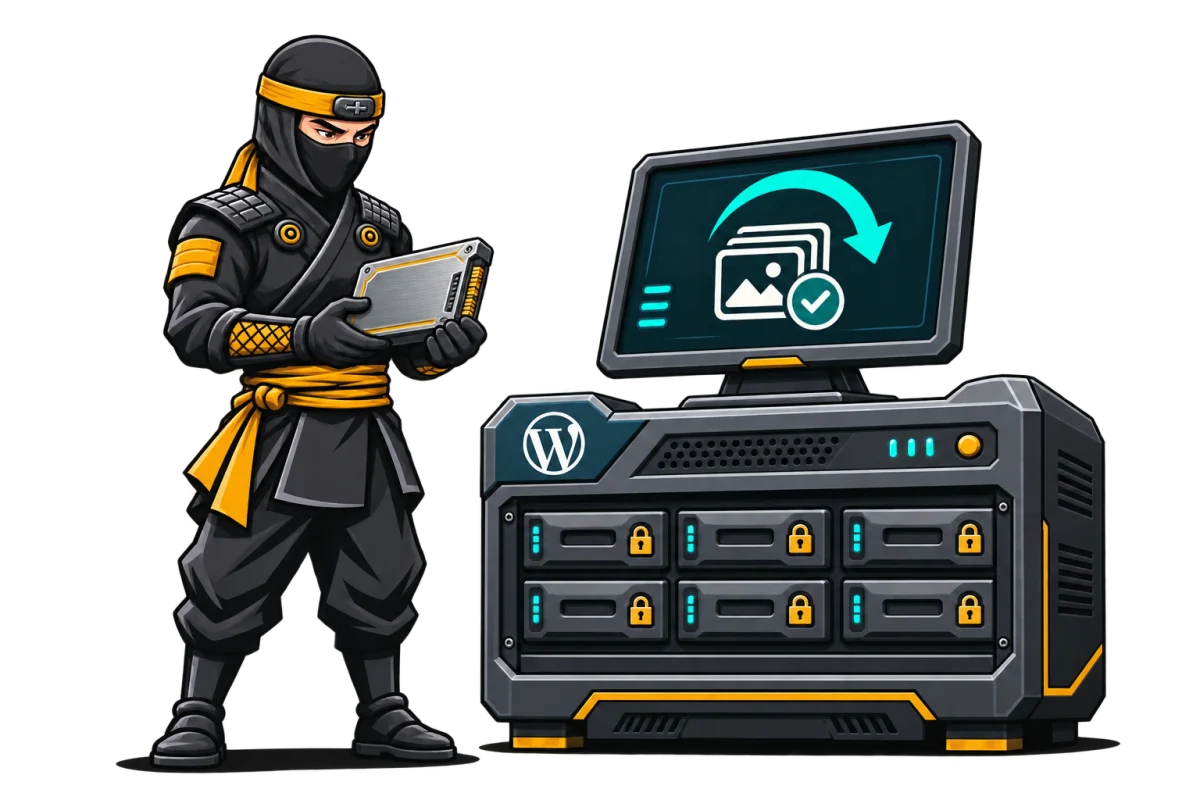
NinjaWeb includes WordPress backups and tools for recovery. A recovery point can predate an approved content change, so choose a person who can identify the right public version. Keep changes in an external system under the care of that system’s owner. For a WordPress operator's visit and reservation guidance, identify the work you want the hosting account to cover before comparing the plans.

1. Start with a changed arrival instruction and the confirmation sent by the booking provider

Use a changed arrival instruction and the confirmation sent by the booking provider as the sample for the new site. Check it as an ordinary visitor before looking at the WordPress editor. Record the address and what the browser or receiving person should show. A named sample gives your team something concrete to repeat.

2. What to host and what to connect for a WordPress operator's visit and reservation guidance

Give the person receiving Australian enquiries the reference for a changed arrival instruction and the confirmation sent by the booking provider. Have them describe a result they can act on, including the identifier or attachment they normally use. That check tells your team whether the receiving provider works independently of the web page served by the host.

Test the public route through a changed arrival instruction and the confirmation sent by the booking provider

A backup can keep an old version of the instructions operators corrected. Prepare two observations for a changed arrival instruction and the confirmation sent by the booking provider, one familiar outcome and one reasonable exception. What should someone do if they cannot complete the action? Agree how to describe that outcome so the person helping can repeat it without access to a real customer record.

A working check for a changed arrival instruction and the confirmation sent by the booking provider

Save a few essential addresses and record which version must be visible. Before authorising a restore, compare the old copy with newer changes that your business recorded. Recheck those details after the site becomes available. Use a changed arrival instruction and the confirmation sent by the booking provider to agree the most meaningful acceptance step.

Who signs off on changes to a WordPress operator's visit and reservation guidance?

Hold the record for a WordPress operator's visit and reservation guidance where the next person responsible for the website can find it. Include the current page, details about a known action and the time of the last test. If a future update breaks a route, the team can tell whether they hold the current account before asking for help.

What our clients say

“His pricing is excellent, and his hosting options are more than fair.”

Benjamin S.Hosting and email support

“They delivered ahead of schedule and under budget.”

Sofia A. · Boudoir VestiarioBrand and website project

Compare Managed WordPress Hosting plans

wp1

🥋 WP Apprentice

Kickstart your journey with essential resources designed for budding projects.​

2.5 GB SSD Disk Space
1 WordPress Website
2 Databases
5 Emails
Unlimited Bandwidth
AU Data Centers
24/7/365 Support

Go Yearly & Save 20%

$25 AUD

wp1

⚔️ WP Warrior

Elevate your applications with enhanced resources for growing demands.​

7.5 GB SSD Disk Space
2 WordPress Websites
5 Databases
15 Emails
Unlimited Bandwidth
AU Data Centers
24/7/365 Support

Go Yearly & Save 20%

$50 AUD

wp1

💨 WP Shadow Master

Designed for professionals requiring robust infrastructure for complex applications.​

15 GB SSD Disk Space
5 WordPress Websites
Unlimited Databases
Unlimited Emails
Unlimited Bandwidth
AU Data Centers
24/7/365 Support

Go Yearly & Save 20%

$85 AUD

wp1

🛡 WP Grandmaster

The ultimate solution for enterprises demanding top-tier performance and scalability.​

35 GB SSD Disk Space
15 WordPress Websites
Unlimited Databases
Unlimited Emails
Unlimited Bandwidth
AU Data Centers
24/7/365 Support

Go Yearly & Save 20%

$120 AUD

Plan the hosting allowance around a WordPress operator's visit and reservation guidance

Use the shared plan comparison to identify a workable account for a WordPress operator's visit and reservation guidance. Start with the current files and database, then allow for the work you know is coming. Provide the final pickup note and the operator's release decision so we can discuss what the site needs from hosting and what your team will check separately.

Where the team behind a WordPress operator's visit and reservation guidance works

The marker shows the team behind a WordPress operator's visit and reservation guidance in Rotorua. NinjaWeb would host that WordPress account on infrastructure in Australia.

Questions to ask about a WordPress operator's visit and reservation guidance

Put the final pickup note and the operator's release decision alongside a short list of the files and WordPress installs to keep. This helps us compare your account requirements and identify the work to discuss before transfer.

Try a changed arrival instruction and the confirmation sent by the booking provider from a phone away from your usual work connection. Record what the WordPress page shows and ask the receiving team to check what arrived in their own account.

Your team in Rotorua can publish a WordPress operator's visit and reservation guidance on the Australian hosting plan. Confirm where an external provider keeps any attachment or form linked from the site.

Check the website after recovery for a WordPress operator's visit and reservation guidance

Send the final pickup note and the operator's release decision. NinjaWeb can discuss the hosting setup and use a changed arrival instruction and the confirmation sent by the booking provider to agree what a good result looks like for your team.