


Contact Info
106 Anne Rd, Knoxfield VIC 3180, Australia
+61 (03) 82023009
info@ninjaweb.com.au
Contact usRecommended Services


Supported Scripts
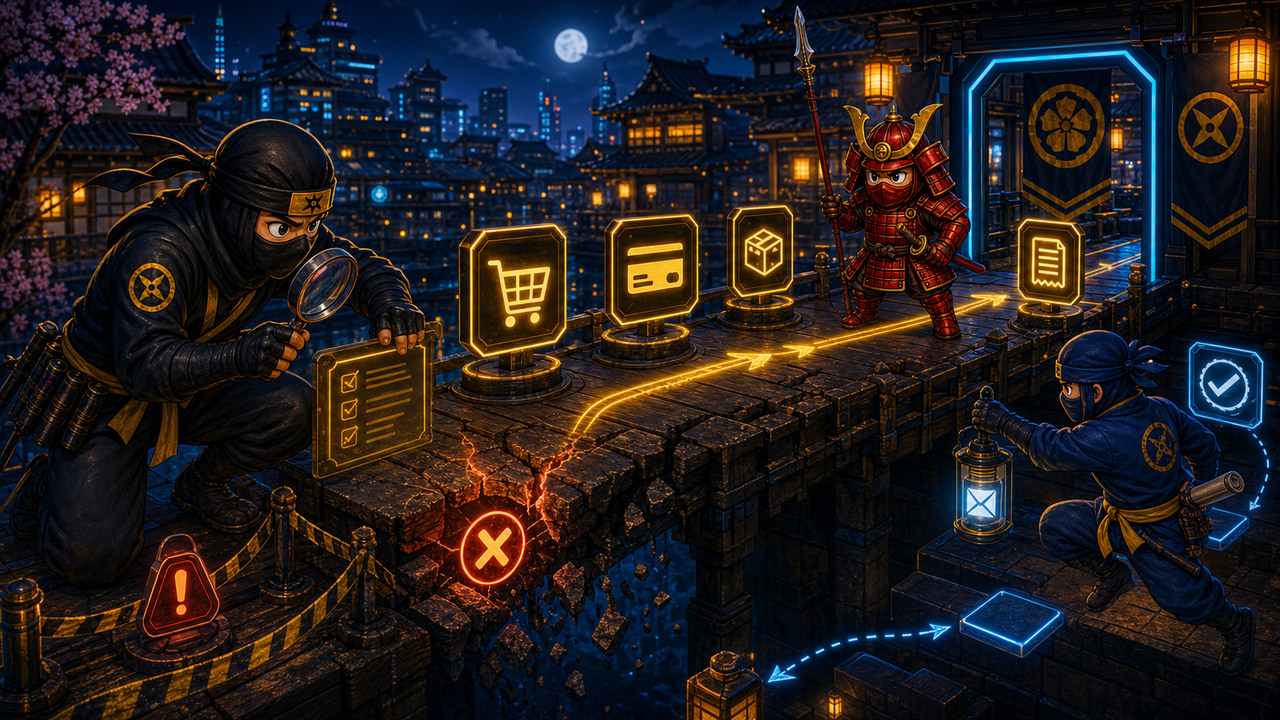

WooCommerce Checkout failures are often blamed on customers because that is the easiest explanation. They typed the card wrong. They abandoned the cart. They changed their mind. They did not understand the form. Sometimes that is true. Often, the website made the customer look like the problem.
Checkout is not just a page. It is a chain of decisions, scripts, sessions, shipping rules, payment gateways, taxes, emails, stock checks, fraud checks, cache exclusions and server responses. If one part of that chain behaves badly, the customer may not see a clear error. They may only feel friction, doubt or delay.
When that happens, the business loses more than one order. It loses the chance to know what really went wrong.
Checkout Is Where Small Weaknesses Become Expensive
A slow homepage is annoying. A slow checkout is revenue risk. A confusing product page may reduce interest. A confusing checkout can break the final decision after the customer has already chosen to buy. That is why WooCommerce issues deserve more seriousness than a normal layout problem.
Many checkout failures are not dramatic. A payment button takes too long to activate. A shipping method disappears after a postcode is entered. A coupon field refreshes the totals and loses focus. A required field is unclear on mobile. A security plugin blocks a gateway callback. A cache rule serves a stale fragment. A plugin conflict appears only for certain browsers or countries. The order may never be created, or it may be created without the right follow-up.
The owner sees “abandoned cart.” The customer experienced “this business feels unsafe or broken.” Those are not the same diagnosis.
Do Not Trust a Single Test Purchase
One test order is useful, but it is not proof. Checkout should be tested across the conditions customers actually use. Mobile and desktop. Logged-in and guest. Common shipping zones. Coupon and no coupon. Different payment methods. Slow connection. Clean browser. Returning customer. Cart update. Failed payment. Successful payment. Confirmation email. Admin order screen. Customer receipt.
That may sound excessive until the business is paying for traffic. Every weak path turns ad spend into uncertainty. The checkout can work for the owner’s test card and still fail for a real customer using a different browser, payment method or shipping destination. It can also work when the server is quiet and fail when cron, backups, imports or traffic spikes are competing for resources.
Technical checks matter here. Are checkout pages excluded from cache? Are cart fragments behaving? Are payment gateway webhooks reaching the site? Are PHP workers available during peak moments? Are plugin logs showing repeated errors? Are transactional emails delivered? These are the questions that separate real diagnosis from shrugging at abandoned carts.
Checkout Problems Are Often System Problems
WooCommerce sits on top of WordPress, the theme, plugins, hosting, email, payment providers and sometimes shipping APIs. That means the failure may not live where the symptom appears. A checkout error can be caused by resource pressure, bad cache rules, JavaScript optimisation, outdated templates, plugin conflicts, email configuration, security blocks or third-party gateway delays.
This is why the answer is not always “replace WooCommerce” or “change payment provider.” It may be right to simplify checkout, remove fragile plugins, tune hosting, split email properly, clean JavaScript, fix cache exclusions or rebuild the product path. But those decisions should come after evidence.
The same principle appears in deeper WordPress operations work such as fixing high CPU on LiteSpeed and practical stack control like cPanel tweaks for WordPress performance. The customer-facing problem is often the final symptom of a system that was never properly owned.
How NinjaWeb Would Handle It
NinjaWeb would start by recreating the checkout path, not by guessing. Which products fail? Which devices? Which payment method? Which shipping zone? Which browser? Which time of day? Are errors visible in WooCommerce logs, server logs, gateway logs or email delivery records? Does the issue happen when logged out, logged in, or both?
From there, the work becomes controlled. Protect checkout from cache mistakes. Check plugin conflicts. Confirm payment callbacks. Test transactional emails. Watch server pressure. Simplify the path where the customer is being asked to do unnecessary work. If the hosting cannot support the store, fix the environment. If the checkout design is the friction, fix the interface. If the gateway is unreliable, prove it before moving.
A customer who fails checkout is not automatically a bad customer. They may be the first person showing you where the system is weak. Treating that signal properly can recover revenue, reduce support confusion and stop the business from blaming the people it was trying to sell to.