


Contact Info
106 Anne Rd, Knoxfield VIC 3180, Australia
+61 (03) 82023009
info@ninjaweb.com.au
Contact usRecommended Services


Supported Scripts
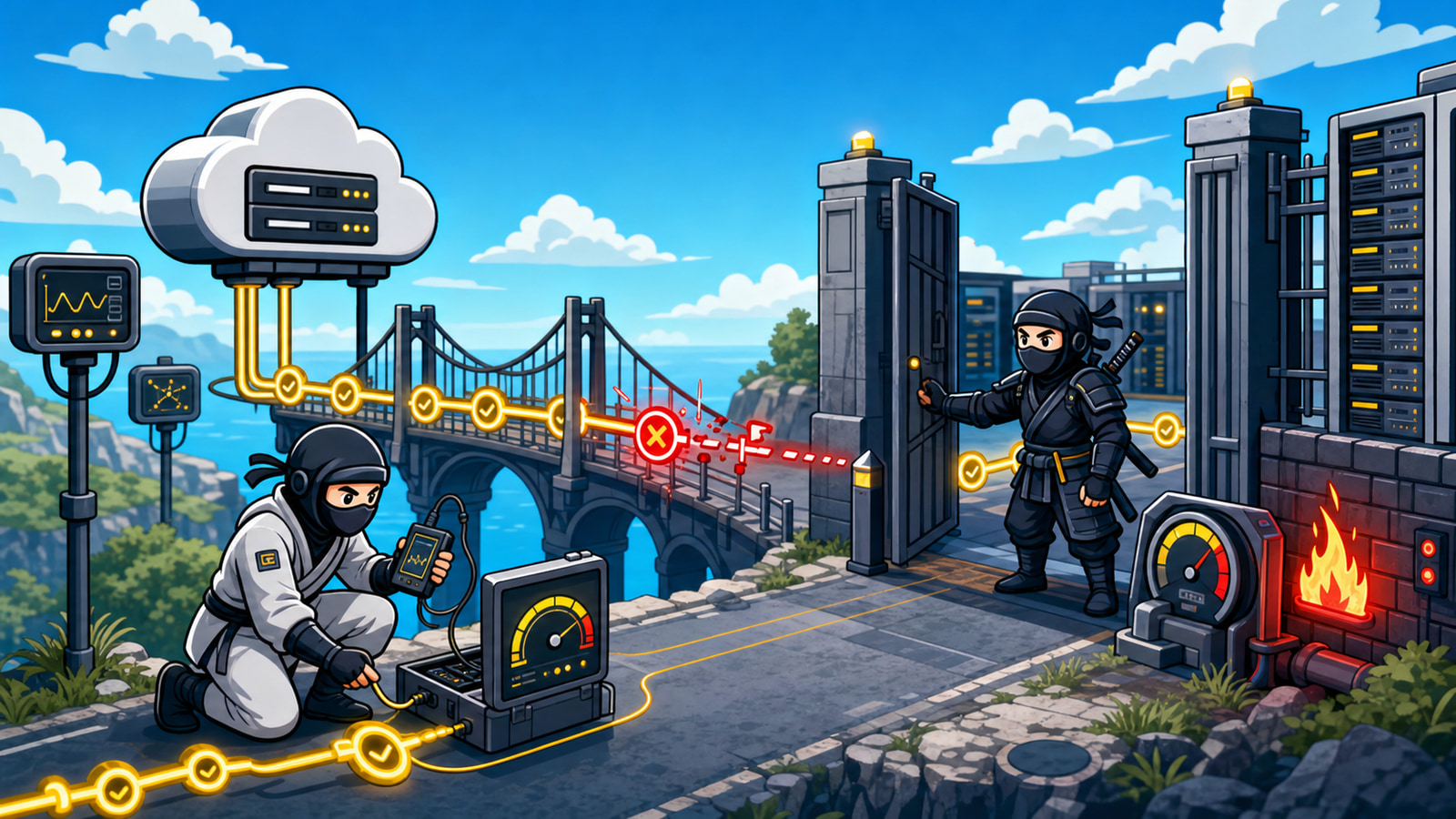

A website can look healthy in the hosting dashboard and still fail with Cloudflare 522 errors in front of customers. That is what makes this incident expensive. The server may be powered on, DNS may appear correct, and the application may have worked five minutes ago, yet Cloudflare cannot complete the conversation it needs with the origin.
The worst response is to start changing DNS records, disabling Cloudflare, restarting random services, and clearing caches without first capturing evidence. Those actions can hide the original fault, create a second outage, or make an intermittent problem impossible to reproduce. A 522 is not an instruction to touch every layer. It is a signal to trace one connection path carefully.
The useful question is not simply, “Is the server online?” It is: “Can Cloudflare reach the correct origin, establish the connection, send the request, and receive the expected acknowledgement while the incident is happening?” That sequence separates a controlled diagnosis from outage theatre.
A 522 Is a Failed Conversation With the Origin
Cloudflare sits between the visitor and the origin server. For a proxied hostname, the visitor connects to Cloudflare first. Cloudflare then opens or reuses a connection to the origin that actually hosts the website. A 522 appears when that origin-side conversation times out.
There are two useful failure stages to understand. Before a connection is established, Cloudflare expects the origin to return a SYN+ACK after Cloudflare sends a SYN. Cloudflare documents a 19-second limit for that stage. After a connection is established, the origin must acknowledge Cloudflare’s resource request; Cloudflare documents a 90-second limit for that acknowledgement stage.
Those details immediately narrow the investigation. The problem may be a firewall dropping Cloudflare traffic, an overloaded origin failing to accept connections, a wrong origin address, disabled keepalives, connection limits, or packet loss. It is not automatically a DNS problem, and it is not automatically an application-code problem.
A 522 tells you where to investigate: the path from Cloudflare to the origin. It does not tell you which component on that path is guilty.
Capture the Failure Before You Change Anything
Start by recording one real failed request. Capture the exact URL, the local time and timezone, the Cloudflare Ray ID shown on the error page, and whether the failure affected every page or only a particular endpoint. If several people saw the error, note whether they saw it at the same time.
This small incident record matters because server logs usually use a different timezone from the person reporting the outage. Without a precise window, an operator may inspect thousands of unrelated requests and miss the connection failures that occurred during a 90-second period.
- Exact hostname and URL that returned the 522
- Timestamp with timezone
- Cloudflare Ray ID
- Whether the problem was constant or intermittent
- Whether it affected the homepage, login, checkout, API, or every route
- What changed immediately before the first failure
Do not limit the evidence search to the application’s error log. The rejection may happen before PHP, WordPress, Node.js, or another application receives a request. Inspect the web server, load balancer, reverse proxy, firewall, security service, and hosting network where those layers exist.
Test the Origin Without Removing Cloudflare
A direct-origin test is useful when it preserves the original hostname and TLS context. Simply opening the origin IP in a browser can produce the wrong virtual host, the wrong certificate, or a default server page. That proves very little.
On a workstation with curl, substitute the real hostname and confirmed origin IP:
curl -sSvo /dev/null \
  --resolve example.com:443:203.0.113.10 \
  https://example.com/
The --resolve option sends the request to the chosen IP while keeping example.com as the hostname used for HTTP and TLS. This tests the origin more accurately without changing public DNS. Compare it with the normal proxied request:
curl -sSvo /dev/null https://example.com/Interpret the result instead of treating curl as a pass/fail oracle. If the direct-origin request also hangs, the evidence points strongly toward the origin, its firewall, its listener, or the network path. If the origin responds consistently but Cloudflare receives timeouts, compare source filtering, Cloudflare IP allowlisting, connection limits, routing, and packet loss. If only one hostname fails, inspect that virtual host and its upstream path rather than restarting the entire machine.
Run these tests from more than one location when possible. A successful request from the server itself does not prove that Cloudflare’s network can reach the public listener.
Check the Firewall, Connection Limits and Server Pressure
The origin sees proxied requests arriving from Cloudflare address ranges rather than from each visitor’s public address. A security tool can interpret that traffic as a small set of sources making a large number of requests. Rate limiting, fail2ban rules, ModSecurity, a hosting firewall, or an upstream provider filter can then block the very network responsible for delivering legitimate traffic.
Review the current rules before changing them:
sudo nft list ruleset
sudo iptables -S
sudo ufw status numbered
The correct rule depends on the server and hosting environment. The important check is whether the origin allows the current Cloudflare IP ranges on the required HTTP and HTTPS ports. Do not copy an old range list from a forum or blindly flush the firewall during an incident. Confirm the current ranges, identify the rule that handled the failed connection, and make the smallest justified change.
Next, check whether the origin had enough capacity to accept and service connections:
uptime
free -m
ss -s
ss -tan state syn-recv
These commands provide different pieces of the story. uptime gives load context. free -m helps identify memory pressure and swap behaviour. ss -s summarises socket state. A large or growing SYN-RECV population may point toward connections waiting to complete, but it must be interpreted alongside firewall, listener, backlog, and traffic evidence.
Then inspect the service that owns ports 80 and 443 and its upstream dependencies. For an NGINX origin, a bounded log window may look like this:
sudo journalctl -u nginx \
  --since "2026-07-13 09:00" \
  --until "2026-07-13 09:15"

sudo tail -n 200 /var/log/nginx/error.log
Apache, LiteSpeed, a managed control panel, a container platform, or a load balancer will store evidence elsewhere. The principle stays the same: match the logs to the failed timestamp and follow the request through each intermediary. Check worker limits, file descriptors, connection backlogs, upstream timeouts, PHP-FPM saturation, database pressure, and disabled keepalives only where the evidence makes them relevant.
Separate DNS Mistakes From Network and Capacity Failures
DNS still belongs in the investigation, but it should be checked precisely. In the Cloudflare DNS configuration, confirm that the proxied A or AAAA record points to the origin address currently assigned by the hosting provider. A server migration, rebuild, failover, or provider-side address change can leave Cloudflare targeting an old origin.
Pay particular attention to IPv6. A correct A record does not rescue an incorrect AAAA record if the hostname is configured to use both. Also inspect Origin Rules or other routing features that may override the destination Cloudflare uses after the public DNS record is evaluated.
That is different from a capacity fault. When the address is correct but the server only fails during traffic peaks, the investigation should move toward connection handling, resource limits, upstream services, and packet loss. When failures affect only certain endpoints, inspect the application route, proxy path, and origin analytics for those endpoints rather than assuming the whole origin is unreachable.
The evidence should decide the branch:
- Wrong or stale origin address: correct the controlled DNS or origin-routing configuration and verify propagation inside Cloudflare.
- Cloudflare sources blocked: repair the firewall or rate-limit policy without exposing the origin broadly.
- Origin overloaded: identify the exhausted resource or worker pool before increasing limits.
- Intermediary failure: inspect the load balancer, proxy, security layer, or provider network between Cloudflare and the application.
- Packet loss or routing: gather path evidence and involve the hosting or network provider with timestamps and source details.
Prove the Repair Under Real Traffic
A single successful page load is not a repair certificate. Repeat the same proxied and direct-origin requests that failed before. Test the affected endpoint, not only the homepage. Watch the firewall, connection state, server load, and error logs during the test window.
If the failure was intermittent, observe long enough to include the condition that triggered it. That may mean a campaign traffic peak, a scheduled task, a backup window, a burst of checkout activity, or a security rule threshold. Verification should demonstrate that the connection remains healthy while the original pressure is present.
Record what changed, when it changed, and what evidence improved. Keep a rollback step for firewall, listener, proxy, and resource-limit changes. If the change increases capacity but the underlying traffic pattern remains unexplained, monitoring should remain active. Otherwise the next 522 will arrive with the same mystery attached.
When the Incident Needs an Owner
Cloudflare 522 errors often sit between supplier boundaries. Cloudflare can show that the origin connection timed out. The hosting provider may say the server is online. The developer may say the application works locally. The firewall vendor may show no obvious alert. Without one operator following the complete path, every party can be technically correct while the website remains unavailable.
NinjaWeb approaches this kind of incident as an ownership problem as well as a server problem. The evidence may lead to managed web hosting, an Australian VPS hosting environment with clearer control, or broader business systems and technical support when monitoring, escalation, and supplier responsibilities need to be connected.
The immediate action is simple: capture the exact 522, test the confirmed origin without changing public DNS, inspect the firewall and connection pressure, and change only the layer the evidence proves wrong. Then repeat the same checks under real traffic. That is how an outage becomes a verified repair instead of another round of guessing.